
Release automation
Launchlane
A release workspace that keeps plans, execution records and the decision to change a target together.

A release is an explicit change
Inspect root, runtime and lockfile, run supported commands in a limited worker and turn the result into an artifact with a clear release history.
Prepare and inspect
Runtime, commands and destination resources
- Read first
Inspect runtime, package manager and lockfile before install, build, test and start.
- Plan resources
Destinations, network, configuration and data resources enter a shared proposal and decision path.
Release and recover
Publish the chosen artifact and check the outcome
- Keep release evidence
Inspect the release and check the expected response. Supported operations include rollback, start and stop.
Product views
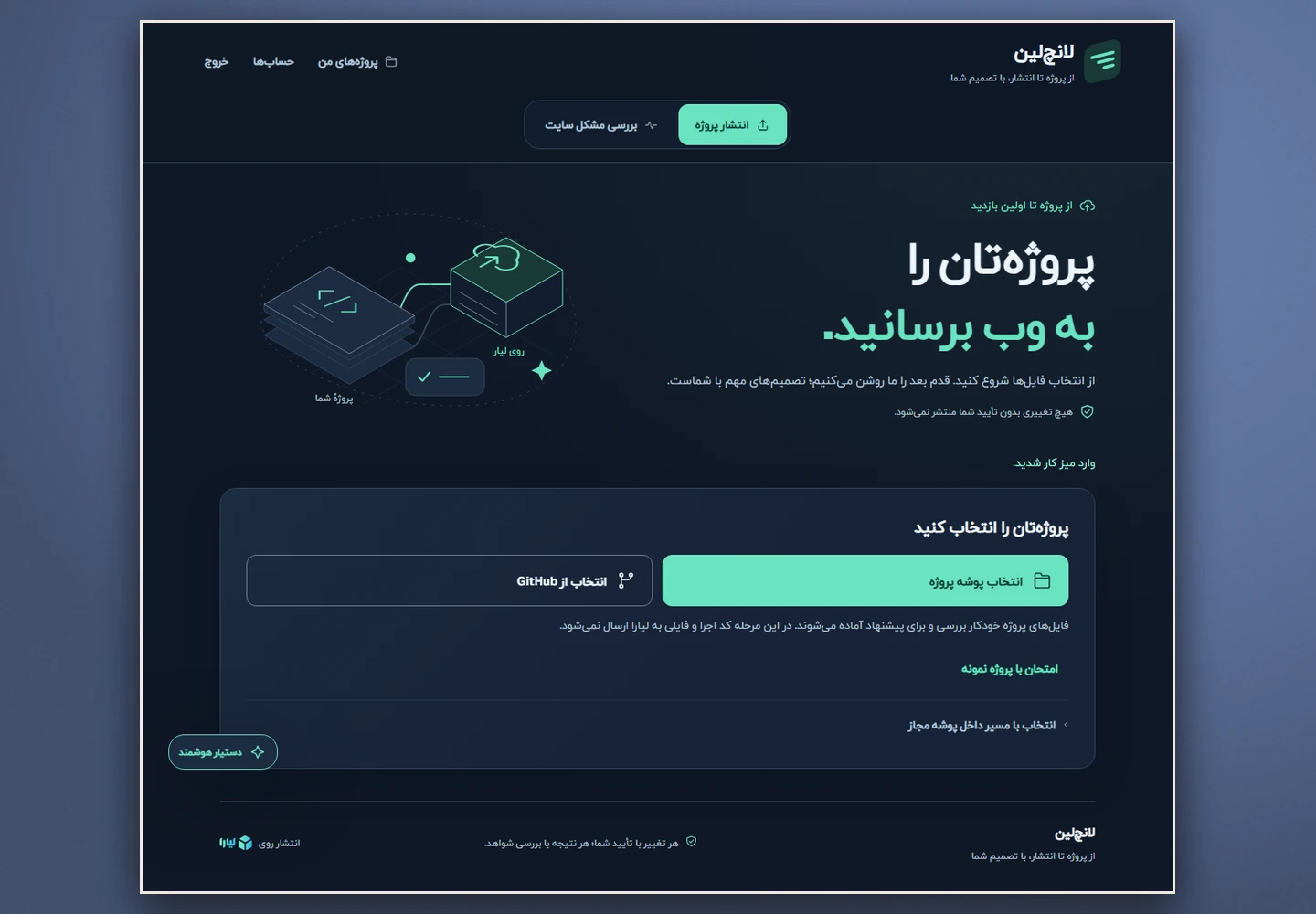
Image unavailable
The publication view from the project documentation.
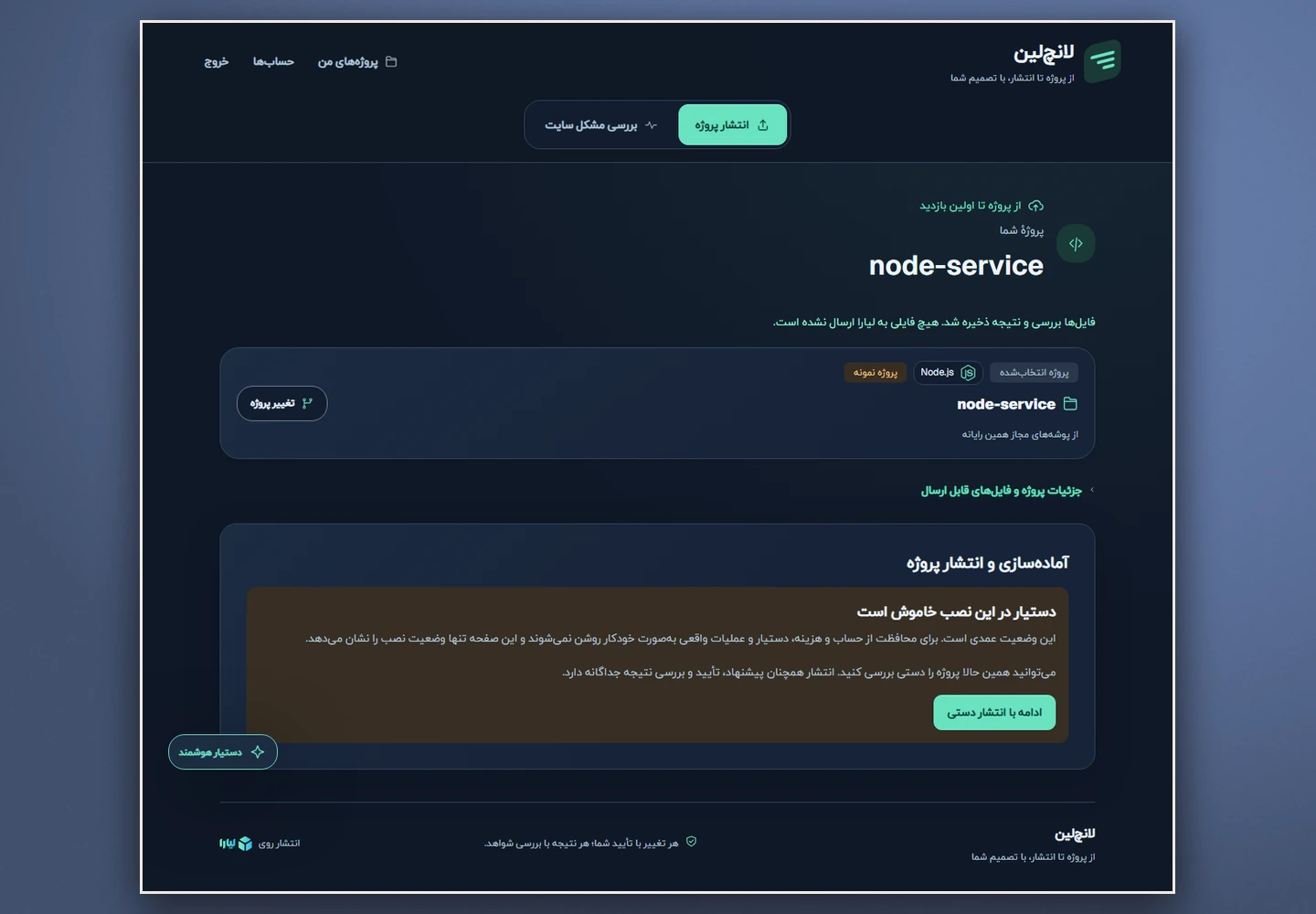
Image unavailable
Project inspection and its evidence.
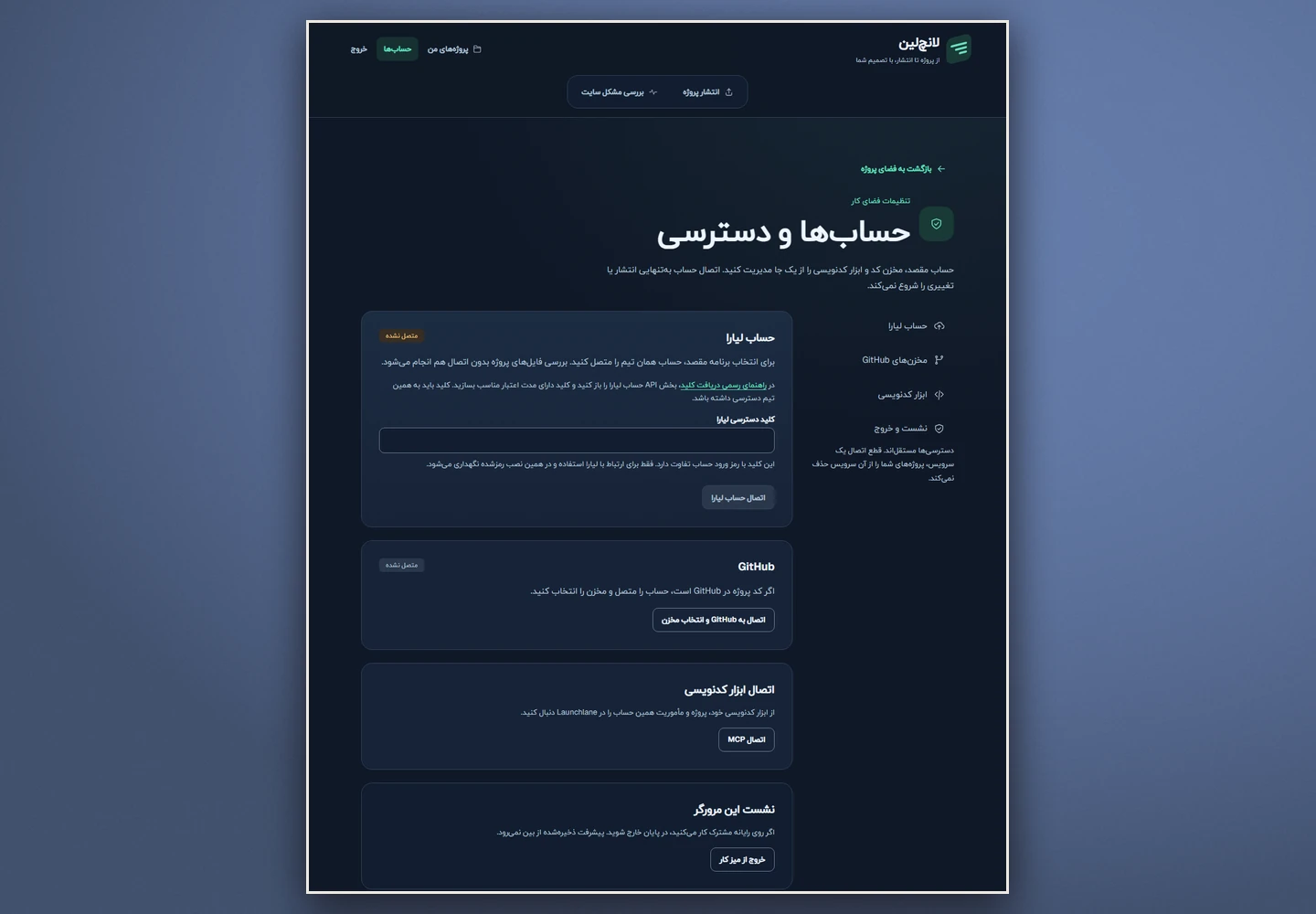
Image unavailable
Documented destination connection controls.
Architecture and tools
What makes a release reviewable
-
Inspect and plan
Inspect the source and runtime. Turn the proposed change into a typed plan with an explicit destination.
-
Bind the approval
The approval is tied to the actor, target, input, cost and build artifact. The worker acts on that authorized scope.
-
Record and observe the release
The journal keeps the action and artifact. Release and workload observations provide evidence of what reached the destination.
Release control plane
Browser workspace, persisted state and tool connections.
- Next.js
- React
- TypeScript
- PostgreSQL
- MCP